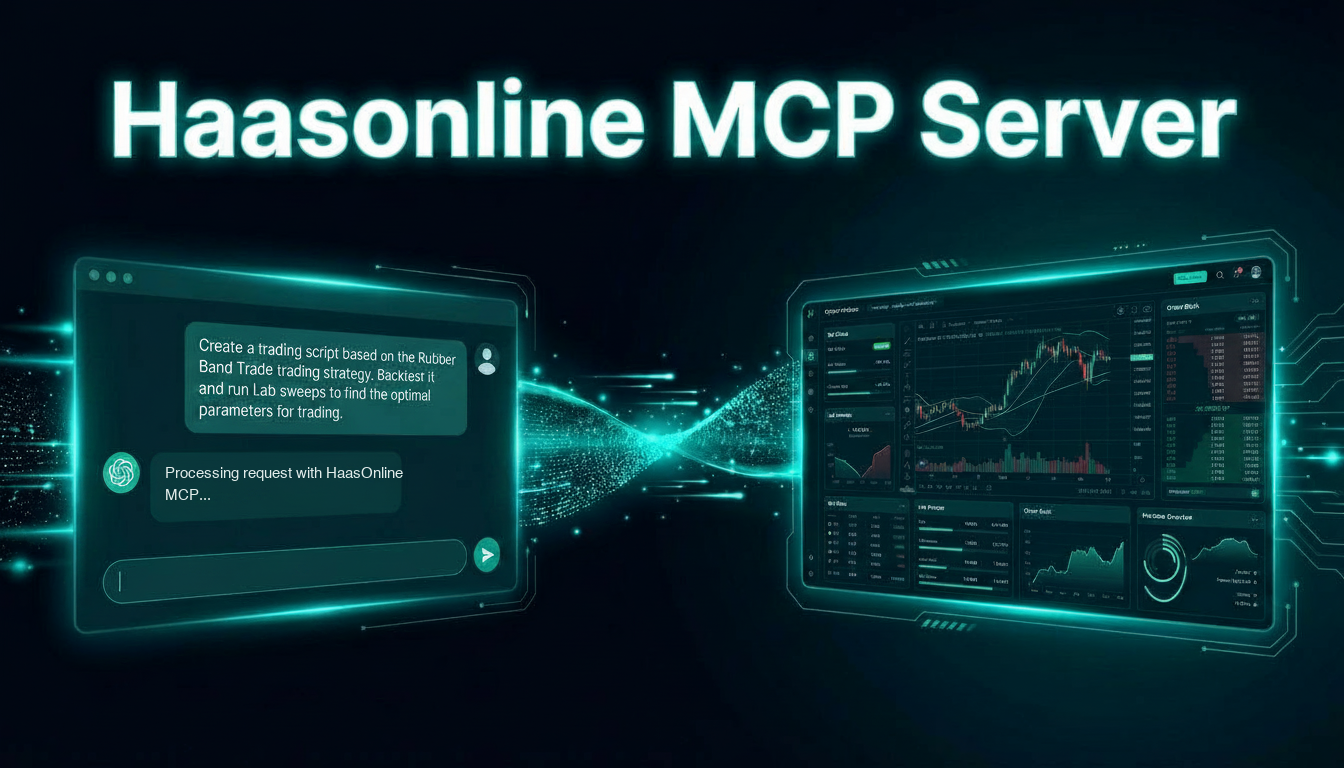
AI agent access is now available on HaasOnline TradeServer Cloud. Connect Claude, Codex, Cursor, VS Code or any other MCP-compatible assistant to your account and work with your bots, scripts and market data in conversation — no download, no API key to paste, and no self-hosted instance required.
The MCP server has been part of the self-hosted TradeServer product since April. Running it meant running TradeServer yourself. That is no longer the case.
One Click Instead of an API Key
The self-hosted setup asks you to generate an API key, copy it, and paste it into a config file. It works, but it puts a long-lived credential in a text file on your machine.
On the cloud there is no key at all. Open AI Agent in the sidebar and either use the one-click buttons for Cursor and VS Code, or run:
claude mcp add --transport http haasonline https://api.haasbot.com/mcpYour agent opens a browser, you approve the connection on a HaasOnline page, and you are connected. Under the hood that is a standard OAuth 2.1 authorization-code flow with PKCE — the same mechanism you already use to let an application read your calendar or your repositories. You can revoke it at any time by removing the connection from your agent.
What Your Agent Can Reach
Once connected, your assistant has 46 tools covering the things you actually spend time on:
- Bots — read your bots, their live runtime, open orders, positions, logs and profit reports
- HaasScript — list, read, create, edit, compile and delete scripts, and search the full command reference for exact signatures
- Backtests — run them, follow their status, and read results, logs, positions and exported data
- Labs — create, clone, configure and run labs, then read the results
- Markets and accounts — browse markets, check and sync history, and read your exchange accounts, wallets and portfolio
The point is not that an AI can describe a grid bot. It can already do that. The point is that it can read your grid bot — the one running on Binance with your parameters and your fills — and reason about that instead of a generic example.
What It Cannot Do
This is the part worth being precise about, because you are pointing an AI at a trading account.
No tool exposed over MCP can place or cancel a trade, move funds, or start and stop your bots. Not "we advise against it" — those tools do not exist in the interface. Your exchange API keys are never handed to the assistant either; the MCP server authenticates on your behalf.
Your agent can write to your scripts, labs and backtests — creating, editing and deleting them is most of what makes it useful. Treat that the way you would treat any assistant with write access to your work: worth having, worth knowing about.
What People Do With It
The pattern that comes up most is the portfolio review. Auditing twenty bots across four exchanges used to be half an hour of clicking. Now it is a question: which of my bots have underperformed over the last month, and what do they have in common?
The second is script work. Describe the behaviour you want, let the assistant draft the HaasScript against your live setup, backtest it, read the logs, and iterate — without leaving the conversation.
Neither removes the need to know what you are doing. An assistant reading your bots is still an assistant reading your bots; the trading decisions and the risk remain yours.
Availability
AI agent access is included on the Standard, Pro and TradeServer plans, and throughout your free trial — so you can try it before deciding anything. It is not included on Starter.
If you self-host TradeServer, nothing changes: your MCP server continues to run locally alongside your instance, and your exchange credentials never leave your hardware.
See plans and pricing →
How it works · Setup guide
Automated trading carries risk. Past performance is not indicative of future results, and only deploy capital you can afford to have at risk.