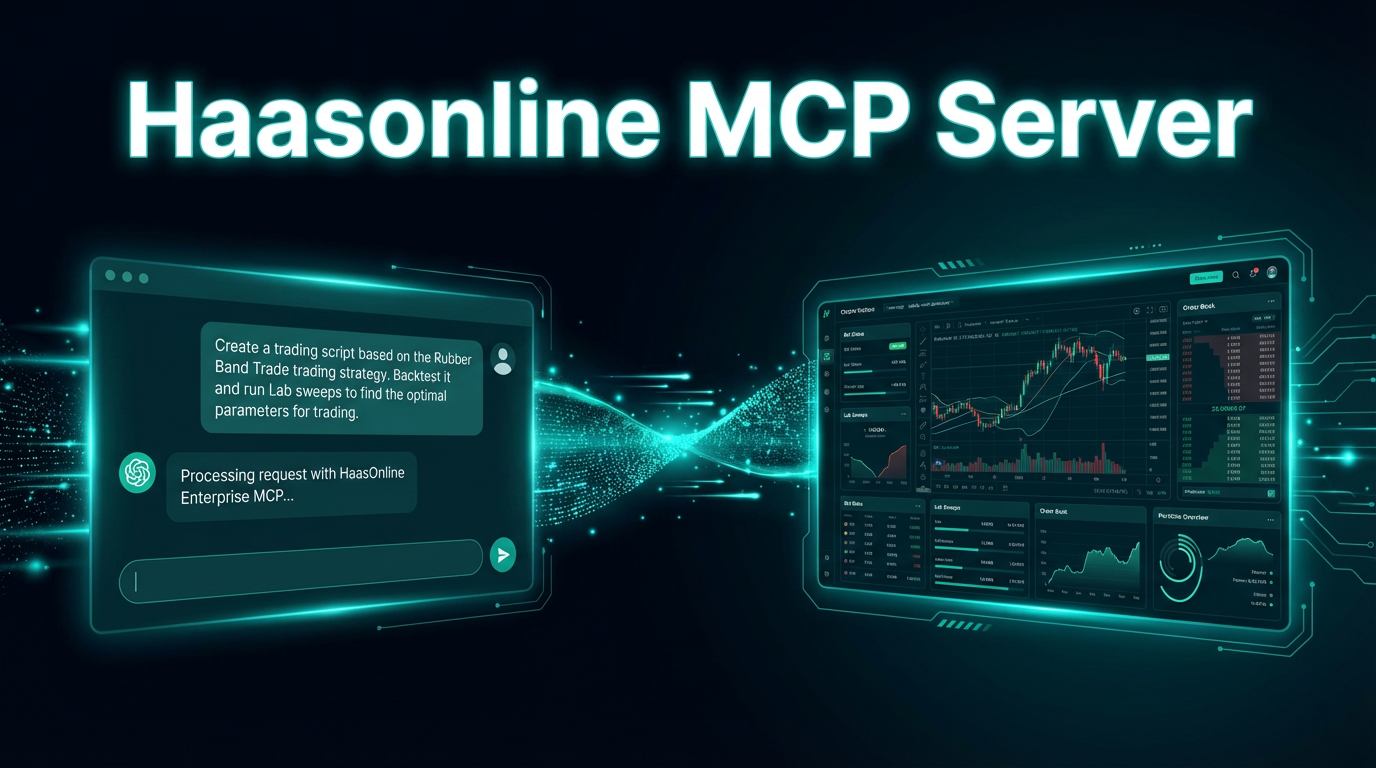
We're excited to announce that HaasOnline TradeServer licenses now include a built-in MCP server, letting you connect AI assistants like Claude, Cursor, and other MCP-compatible tools directly to your TradeServer instance.
What Is MCP?
The Model Context Protocol (MCP) is an open standard that gives AI assistants a structured way to interact with external systems. Instead of copying and pasting data back and forth, an AI assistant connected via MCP can read live information from—and take actions within—your tools in real time.
Think of it as a universal API layer between your AI assistant and your software. Rather than asking Claude "what does my RSI bot look like right now?" and manually providing the data, Claude can query your TradeServer directly and give you an answer grounded in your live configuration.
What the HaasOnline MCP Server Does
The HaasOnline MCP server exposes your TradeServer to any MCP-compatible AI assistant. Once connected, your AI assistant can:
- Inspect your bots — query running bots, their configurations, current positions, and performance metrics
- Read market data — pull live prices, order book depth, and recent trade history across your connected exchanges
- Manage HaasScripts — view, create, and update your custom scripts without leaving your AI assistant's interface
- Review account balances — get a real-time snapshot of your holdings across all connected exchanges
- Run backtests and Labs — execute backtests, drive parameter optimization, and read the results
This makes your AI assistant a genuine co-pilot for your trading operation—not just a tool for generating ideas, but one that can see your actual setup and respond to your instructions with full context.
Getting Connected
The MCP server ships as part of TradeServer and runs locally alongside your instance. Setup takes a few minutes:
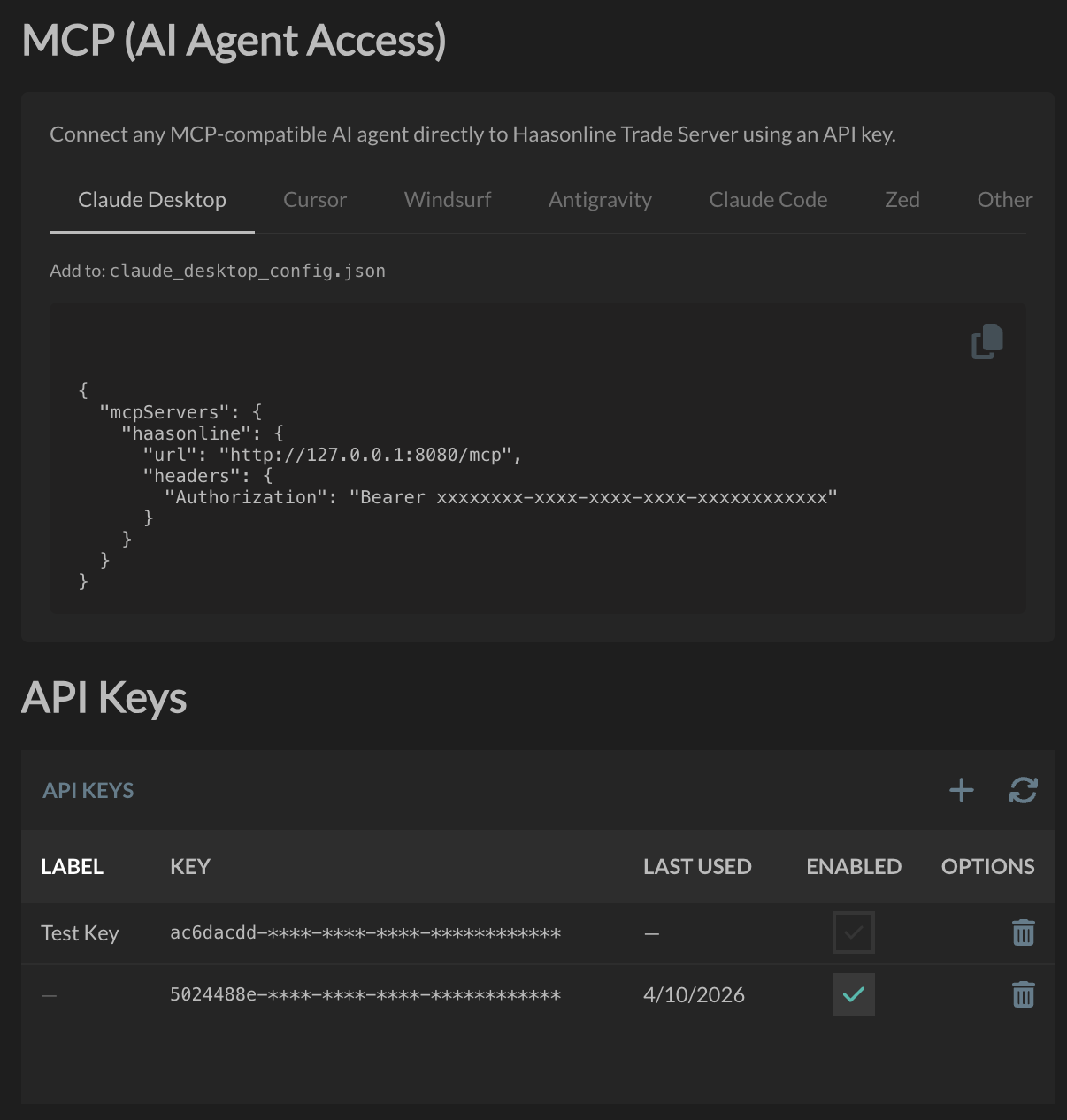
- Create an API key in your TradeServer settings panel
- Copy the generated API key
- Add the server to your AI assistant's MCP configuration (Claude Desktop, Cursor, or any other MCP-compatible client)
- Start a new conversation — your assistant will have full context about your trading setup
The server communicates over a local connection. Your exchange credentials are never exposed to the AI assistant — the MCP server handles authentication on your behalf.
Why This Matters for TradeServer Traders
TradeServer customers run more complex operations — more bots, more exchanges, more HaasScript strategies to manage. The cognitive overhead of keeping track of everything is real. An AI assistant with live access to your TradeServer changes that equation significantly.
Common workflows our early users have found valuable:
- Strategy reviews — "Audit all my running bots and flag any that haven't placed an order in the last 24 hours."
- Script development — "Look at my existing RSI strategy and suggest how to add a volume filter."
- Performance analysis — "Which of my bots has the best risk-adjusted return this month?"
- Onboarding new strategies — "I want to add a grid bot on BTC/USDT on Binance. Walk me through the configuration options."
Because the AI has access to your real configuration rather than hypothetical examples, the responses are specific, actionable, and accurate.
Availability
The MCP server is available today on all active TradeServer licenses. If you're running TradeServer, update to the latest release to find the MCP options in your settings panel.
If you're not yet on TradeServer and want to explore what's possible, visit our pricing page to compare plans or contact us to talk through your requirements.
The MCP server is included with every HaasOnline TradeServer license.
— the HaasOnline Team